Browser token workshop

Token Maker for DnD, Roll20, and Foundry VTT

Upload character art, crop it in the browser, add masks, borders, text, and export clean PNG tokens without opening a heavy graphics suite. The editor stays front and center, with format guides, FAQs, and practical references close by when you need them.

Image

100%

Presets

Text Settings

Select a text on canvas to edit

Style

#8b5cf6
#09090b
100%
0%

Drop image here to start

or click to select

JPG, PNG, WEBP supported

Borders

Masks

What this tool helps you do

Build tokens without leaving the browser

The workspace is designed for quick portrait framing, not a long image-editing session. Drop art in, recenter it, and export fast.

Mix borders and masks independently

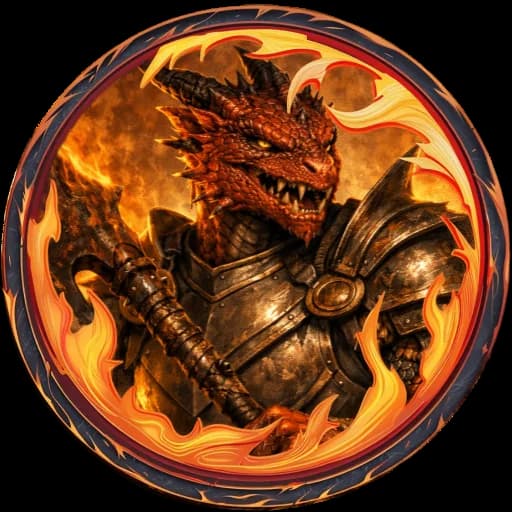
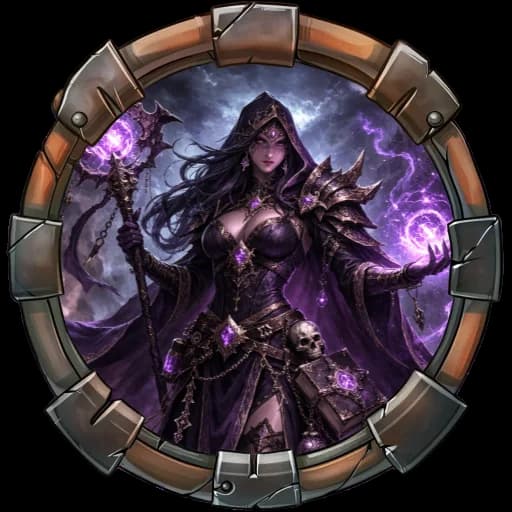
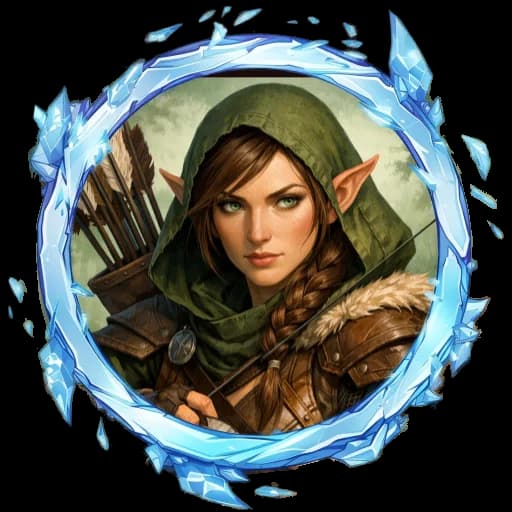
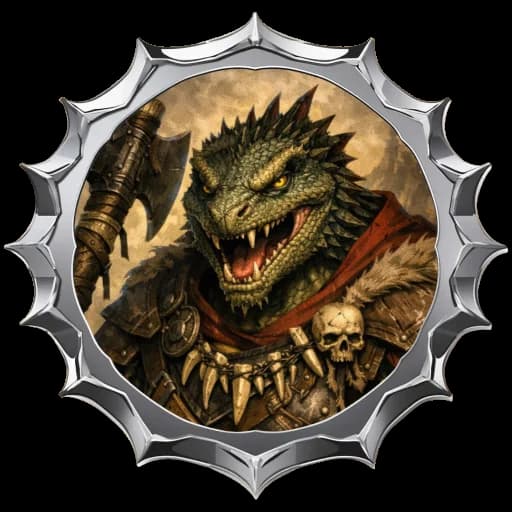
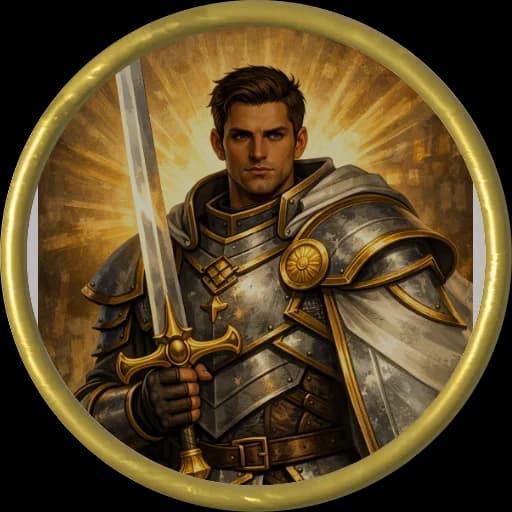
Use a circular portrait inside a heavy frame, move to a square crop for handouts, or build hex counters for strategy overlays.

Make output ready for real VTT tables

The editor is aimed at DnD, Roll20, Foundry VTT, and similar tabletops where clean transparent PNGs matter more than filters.

Keep repeatable style presets nearby

Preset groups make it easier to keep monster sets, NPC portraits, and faction markers visually consistent across a campaign.

Template directory

Template pages for distinct token formats

See all template pages

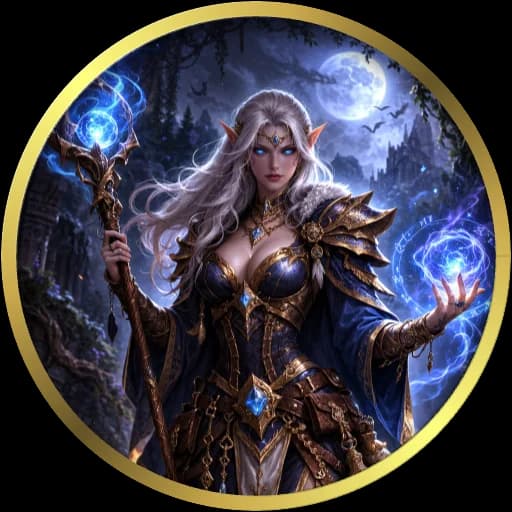
Best for character portraits, NPC heads, and classic VTT avatar circles.

Circle Token Maker

Create round tabletop tokens for DnD, Roll20, and Foundry VTT with browser-based cropping, border controls, and PNG export.

  • DnD character portraits
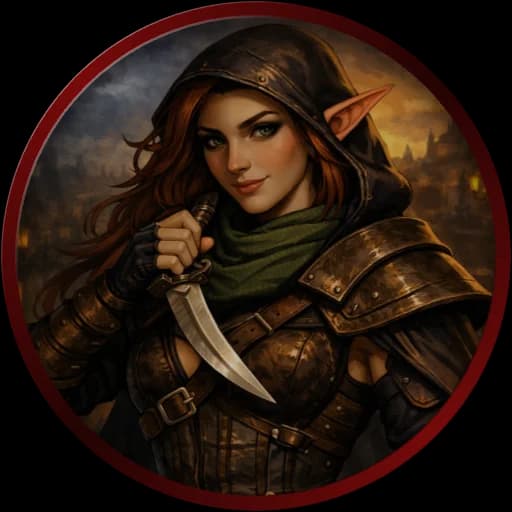
  • NPC tokens with readable faces
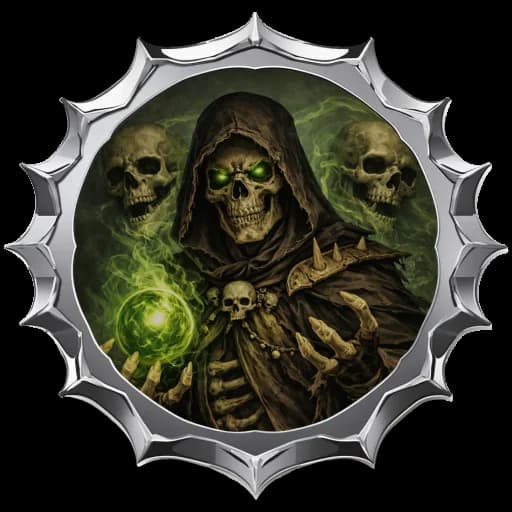
  • Boss portraits that need a clean silhouette

Best for grid-aligned markers, sci-fi portraits, and handout style tokens.

Square Token Maker

Build square map tokens for grid-based tabletop play, handout markers, and UI-aligned NPC portraits.

  • Square grid battlemaps
  • Portraits with visible shoulders, hats, or weapons
  • Faction markers and room labels

Best for hex maps, strategy overlays, and board-game style counters.

Hex Token Maker

Create hex-shaped counters for strategy overlays, war game maps, region markers, and hex-based VTT encounters.

  • Hex crawls and regional movement maps
  • Unit counters and terrain markers
  • Faction and ownership indicators

Blog posts for real table prep

A repeatable browser workflow for fast VTT token production.

How to Make VTT Tokens

A practical workflow for turning art into clean virtual tabletop tokens without opening a full graphics suite.

A Foundry-friendly token set with consistent framing and transparent PNG output.

How to Make Foundry VTT Tokens

Prepare tokens for Foundry VTT with sharp transparency, consistent border language, and practical export sizes.

Readable Roll20 tokens that stay clear during live play.

How to Make Roll20 Tokens

Make Roll20-ready PNG tokens with clear faces, efficient file sizes, and reliable readability on busy battlemaps.

A simple sizing rule set for live games, archives, and premium exports.

Token Size and Resolution Guide

Choose the right export size for tabletop tokens, from fast 512 PNGs to cleaner archive-ready 2048 exports.

How the workflow stays lightweight

1. Drop portrait art into the workspace

Use local files, then frame the subject with wheel zoom and drag positioning until the face reads clearly at token scale.

2. Pick the mask, frame, and accent colors

Choose a circle, square, or polygon crop, then combine it with a border style that fits the role, faction, or encounter tier.

3. Export PNGs for your table

Download a clean PNG and move straight into Roll20, Foundry VTT, Owlbear, or any other map workflow that accepts image tokens.

Token Maker FAQ

What is this token maker used for?

It is a browser tool for turning character art, monster portraits, and NPC avatars into tabletop tokens with masks, borders, text, and PNG export.

Does Token Maker upload my images to a server?

The default workflow is local-first. Images can stay in the browser while you crop and export, which is useful for private campaign art or paid commissions.

Which virtual tabletops does it fit?

The export format is aimed at popular VTT setups such as Roll20, Foundry VTT, Owlbear Rodeo, and similar tools that accept PNG tokens.

Can I make square and hex tokens, not only circular ones?

Yes. The editor already supports circle, square, hexagon, octagon, decagon, and dodecagon style masks so you can match the board you are building for.

Can I add my own border or mask artwork?

Yes. Custom border and mask uploads are supported so you can align the token look with a homebrew setting, paid art pack, or campaign identity.

What export size should I use for VTT tokens?

512 is a practical default for most tables. Move to 1024 or 2048 when you need sharper marketplace assets, premium handouts, or future-proof library files.

Local-first by default

Keep the editor fast without hiding the context

The homepage still starts with the editor, but it also explains the workflow, answers the common questions, and points you toward deeper format or platform guides when the quick path is not enough.